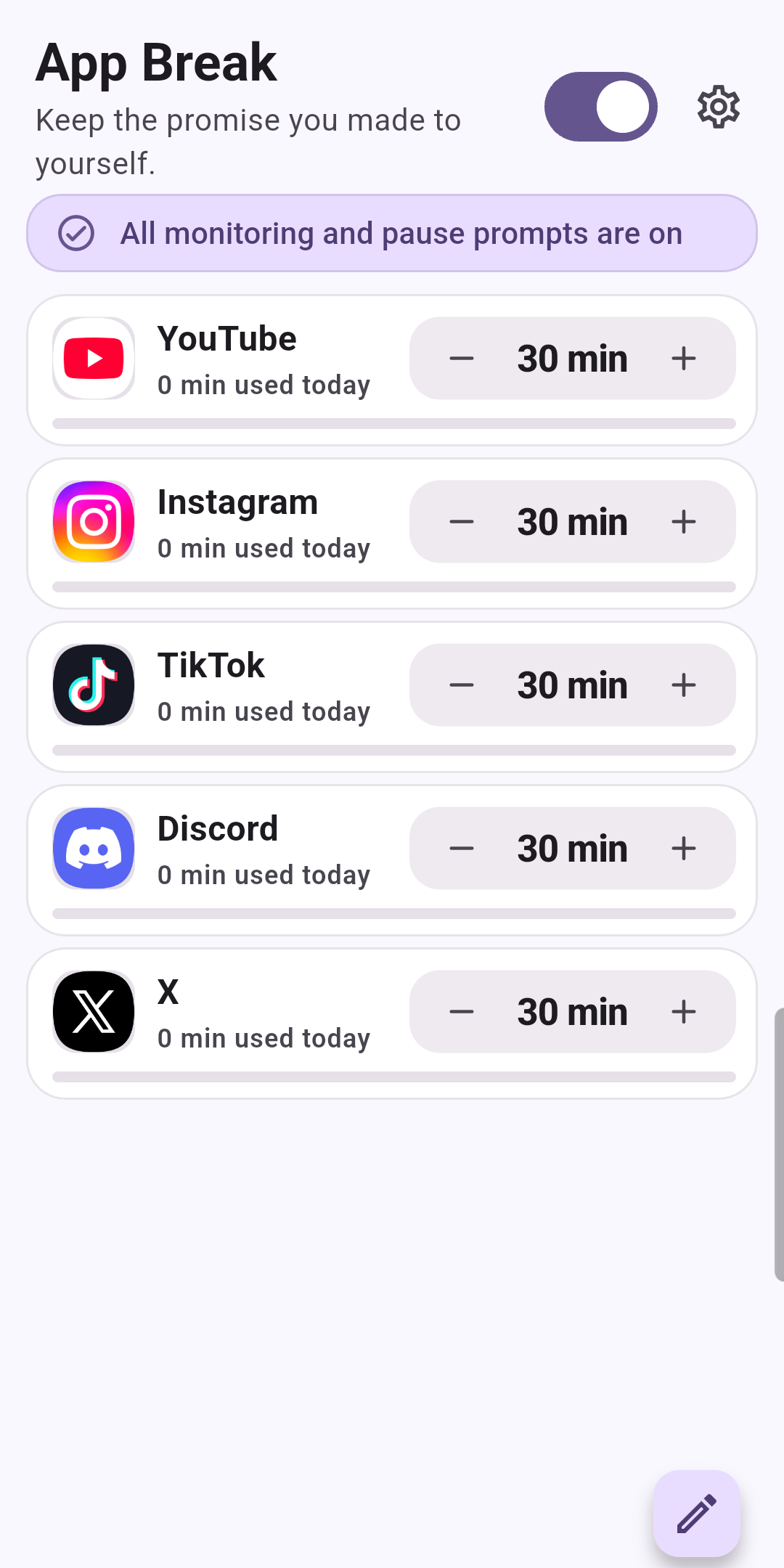
One more video can turn into a later bedtime. App Break helps you pause selected Android apps when you reach the limits you set.
Get it on Google PlayFree with ads
Get started
Start with one app. Follow the permission guidance, try a short limit to check the pause prompt, then choose the limit you want to use. If the prompt does not appear, check the permission status in App Break and Android Settings. Setting names can differ by phone and Android version.
Usage information and settings are handled on your device.