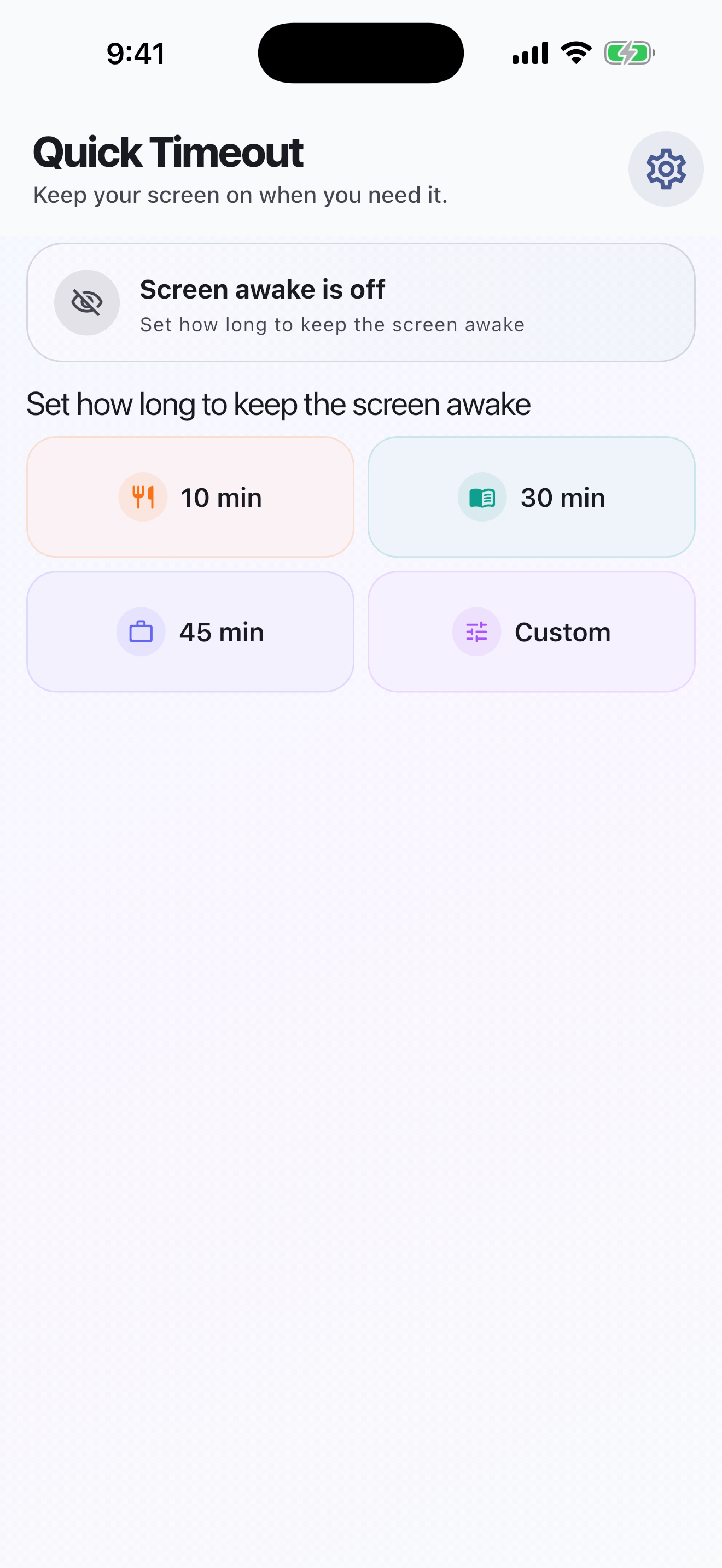
If waking the screen interrupts your cooking, choose the time you need in Quick Timeout. It provides a timed screen-awake session using Picture in Picture on iPhone and iPad. It does not change the system Auto-Lock setting.
Download on the App StoreFree with ads
Get started
Start a timed session and switch to your recipe app. When finished, use End in Quick Timeout or the PiP close button. Manual locking and other media can affect the session through iOS behavior.