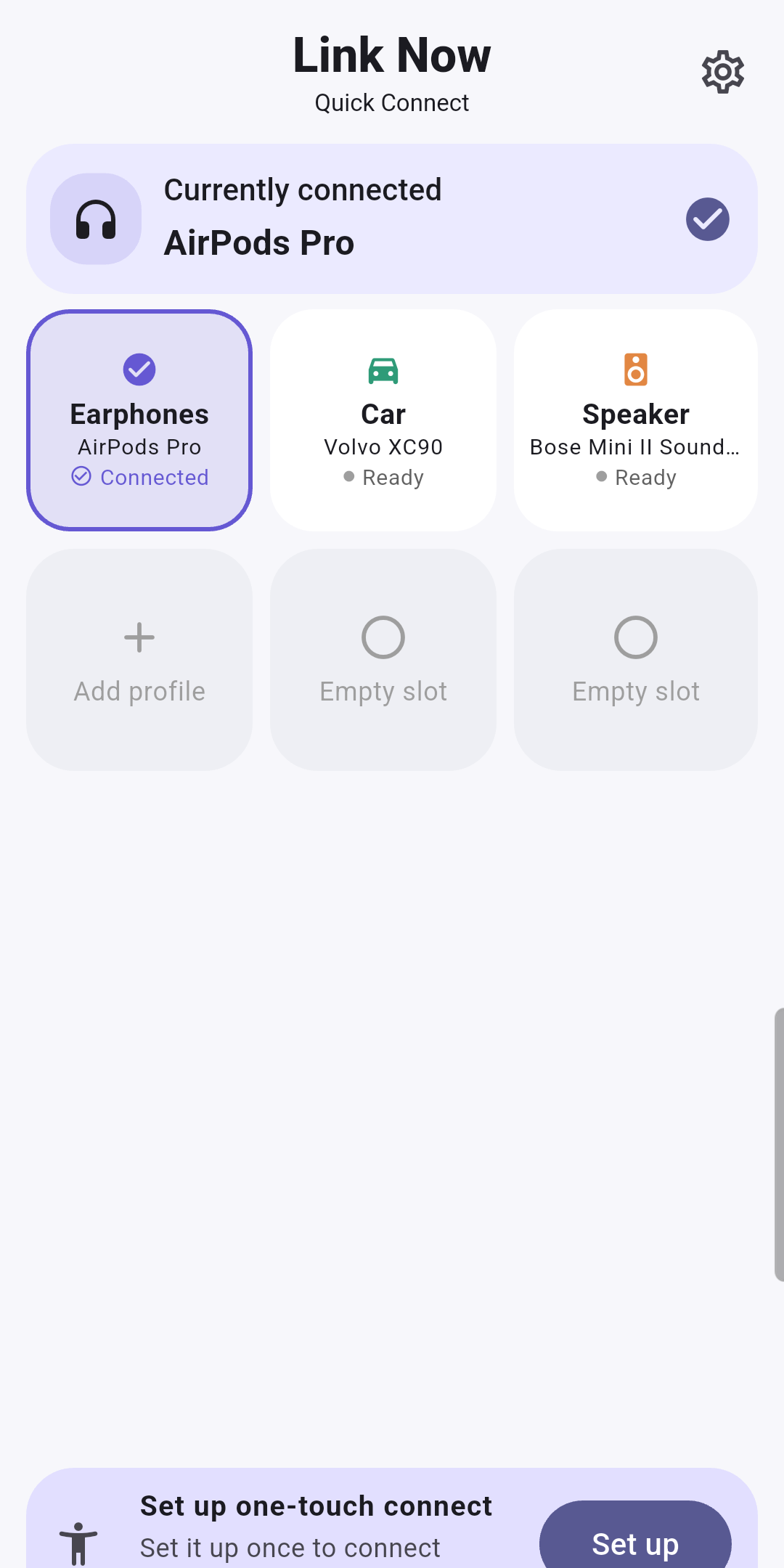
Tired of finding the same headphones and speakers in Settings? Save familiar devices in Link Now and access their connection flow from device cards.
Get it on Google PlayFree with ads
Get started
Pair the device in Android Bluetooth settings first and keep it powered on. Allow the required Nearby devices permission in Link Now, then choose a device to save. The connection helper needs separate setup; basic mode uses the system Bluetooth settings.
If a device is missing, check pairing, power and Bluetooth. Connection behavior can vary by device.